Accessing the Palmetto Cluster
Overview
Teaching: 15 min
Exercises: 0 minQuestions
How can I access the Palmetto cluster from my local machine?
Objectives
Logging into Palmetto from a local Mac / Windows computer.
To be able to run commands on the Palmetto from your own machine, you will first need to be able to log in to the Palmetto. This is known as a remote login.
For Mac OS X, you can open the Terminal Application (which is usually in Applications → Utilities folder) and run the following:
ssh <your Palmetto username>@login.palmetto.clemson.edu
For Windows, first you need to download and install MobaXterm Home Edition.
It is important that you unzip the downloaded installer prior to installation. The zipped installer file contains an additional data file besides the installer executable. This data file is not accessible if the installer executable is called from insize the zipped file (something Windows allows you to do).
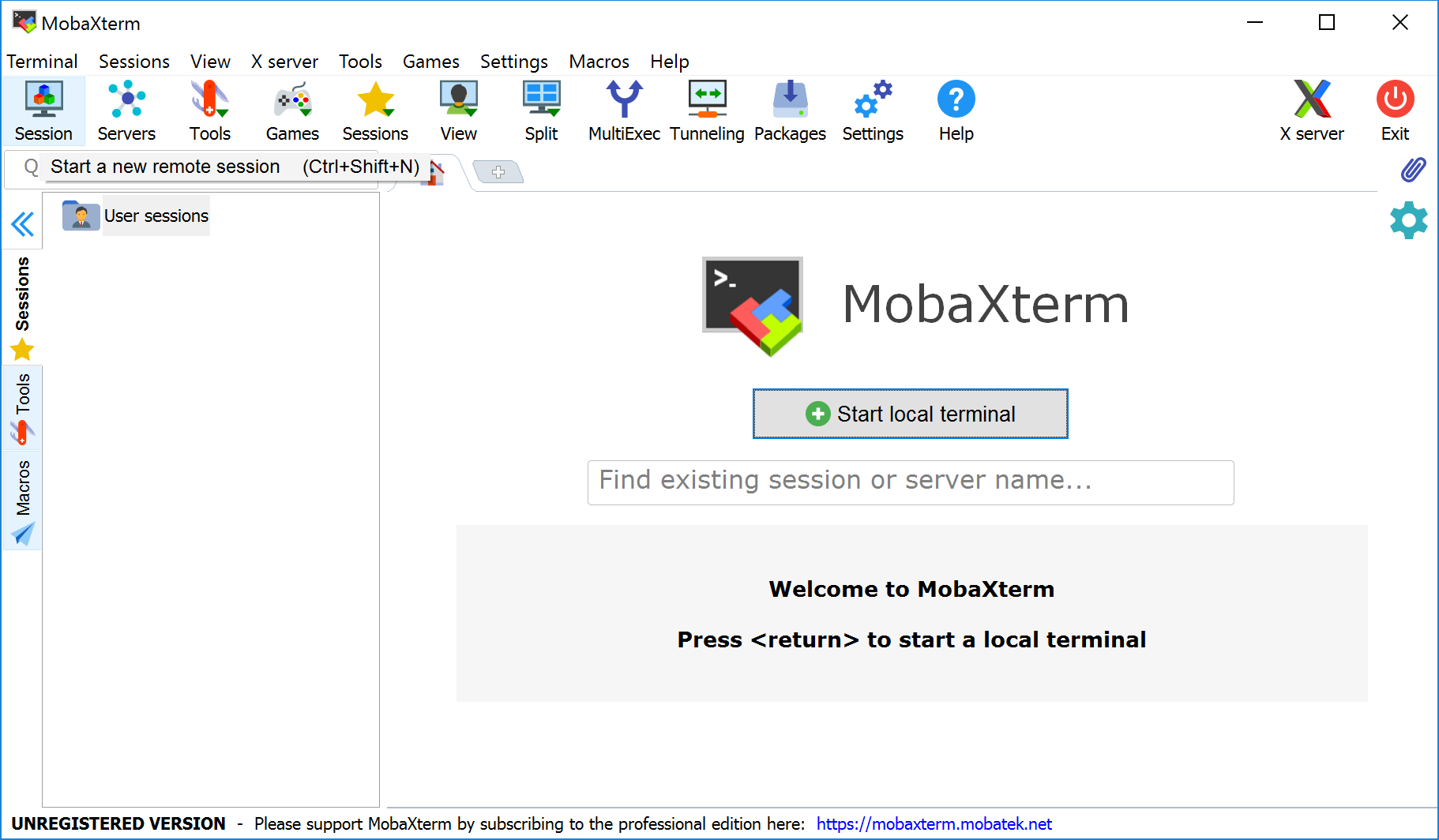
After MobaXterm starts, click the Session button.
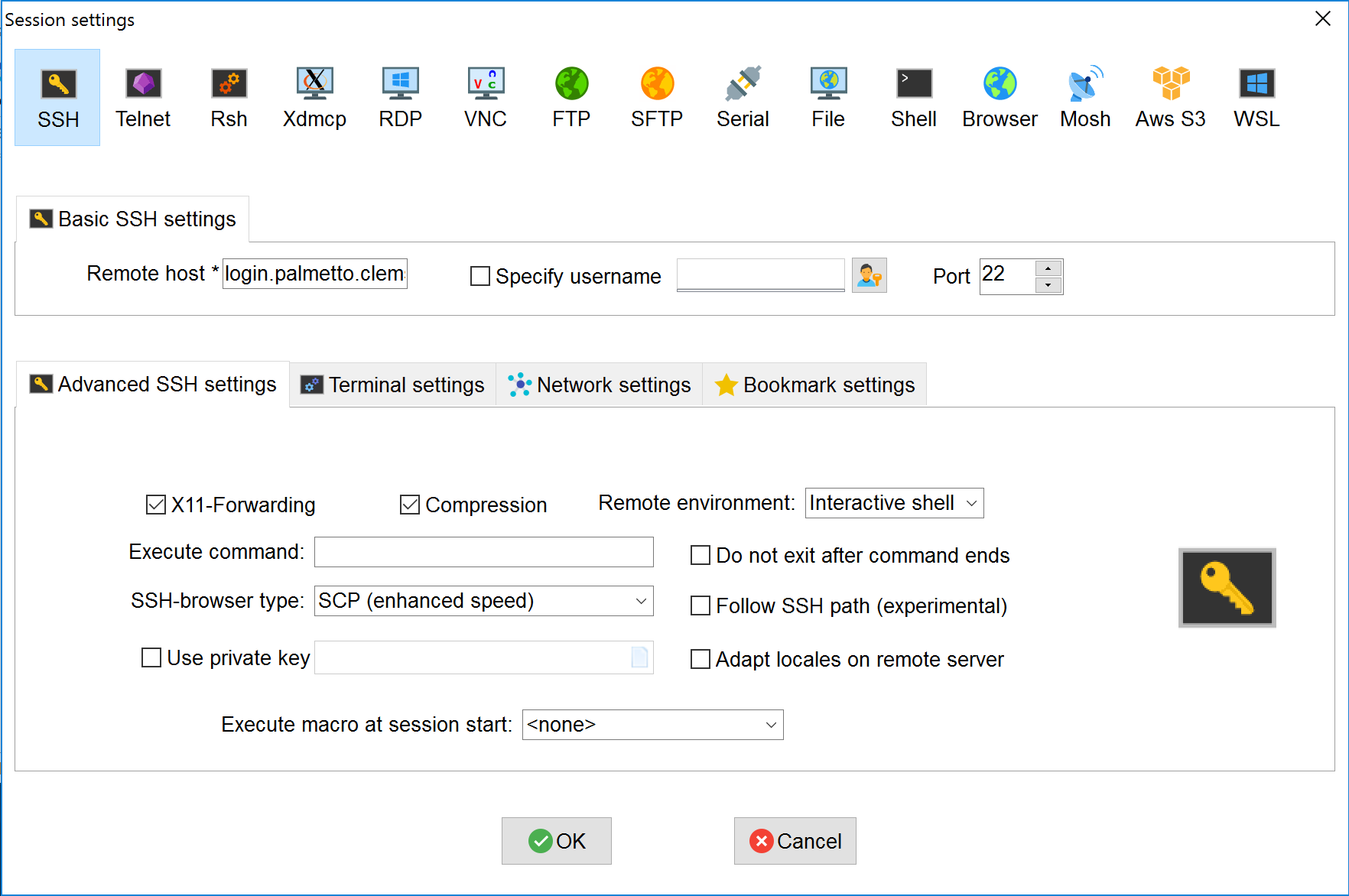
Select SSH session and use the following parameters (whichever required), then click OK:
- Remote host:
login.palmetto.clemson.edu - SSH-browser type: Enhanced SCP
- Port: 22
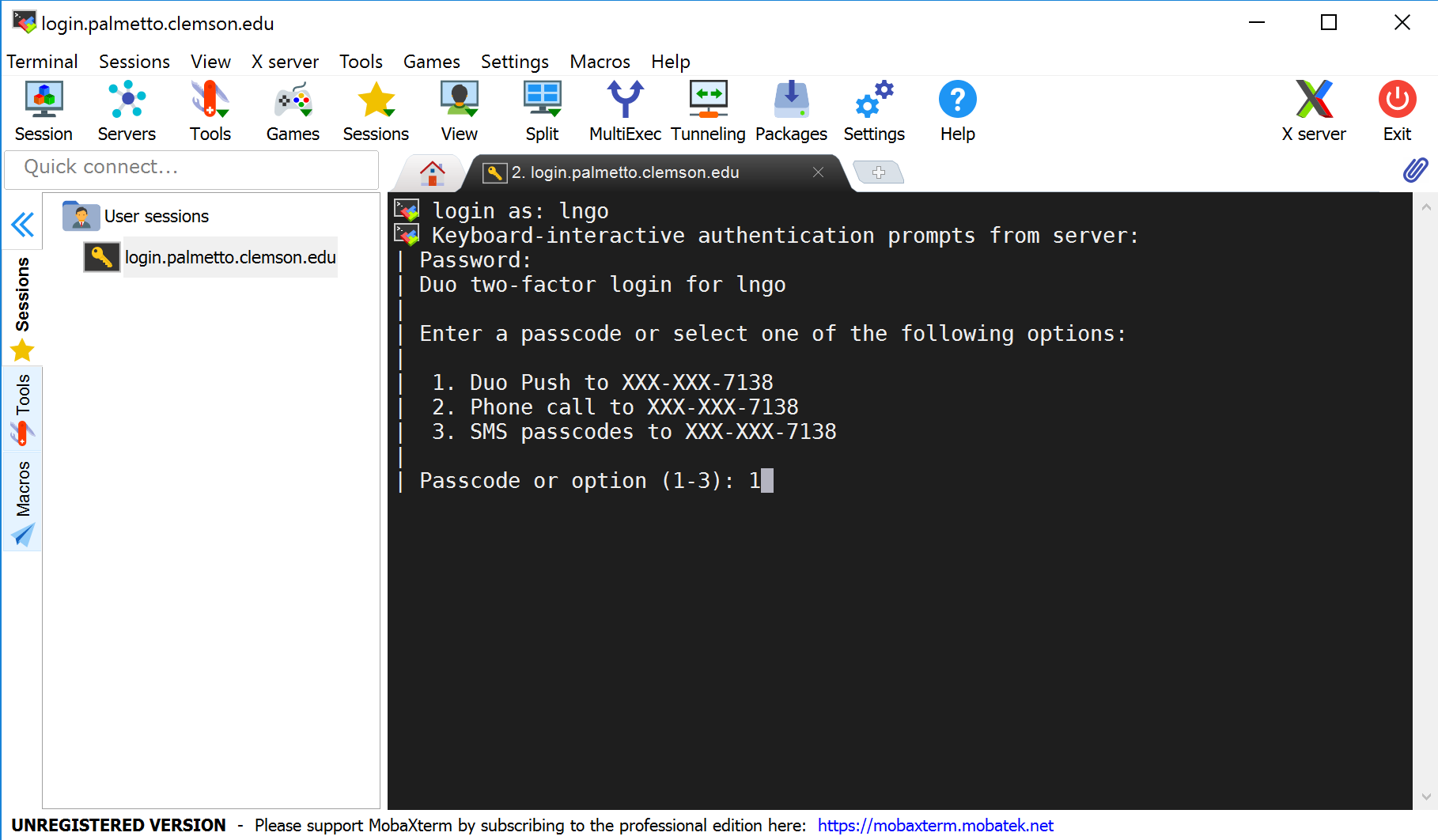
At this stage, for both Mac and Windows, you will be asked to enter your username and password, then DUO option.
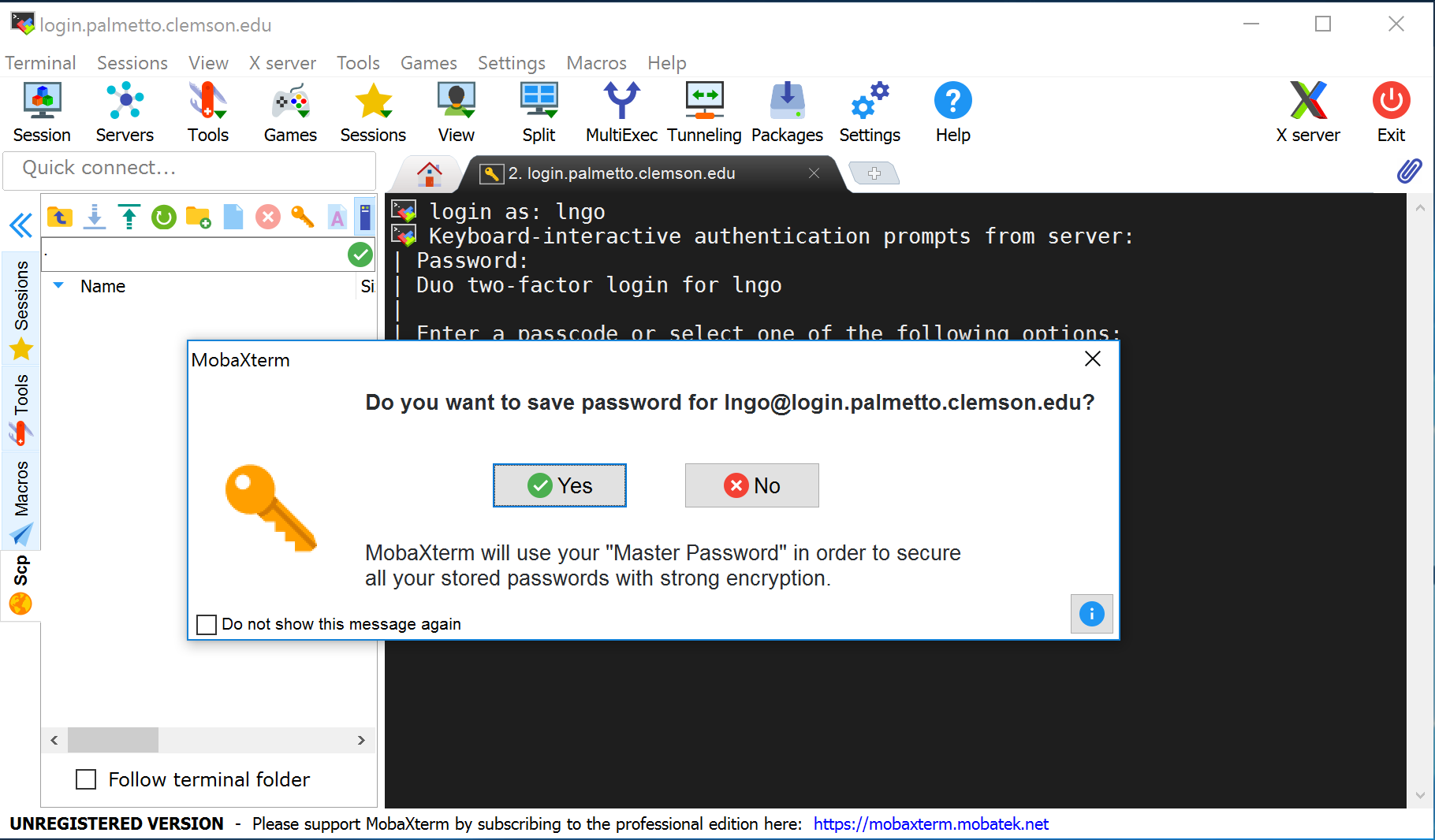
For MobaXterm, please select No when asked if you want to save your password.
When logged in, you are presented with a welcome message and the following “prompt”:
[username@login001 ~]$
The prompt in a bash shell usually
consists of a dollar ($) sign,
and shows that the shell is waiting for input.
The prompt may also contain other information:
this prompt tells you your username and which node
you are connected to -
login001 is the “login” node.
It also tells you your current directory,
i.e., ~, which, as you will learn shortly,
is short for your home directory.
We will mostly refer to the prompt as just $, i.e.,
$
Let’s enter our first command!
Type the command whoami,
then press the Enter key (sometimes marked Return) to send the command to the shell.
The command’s output is the ID of the current user.
$ whoami
Basic structure of the cluster
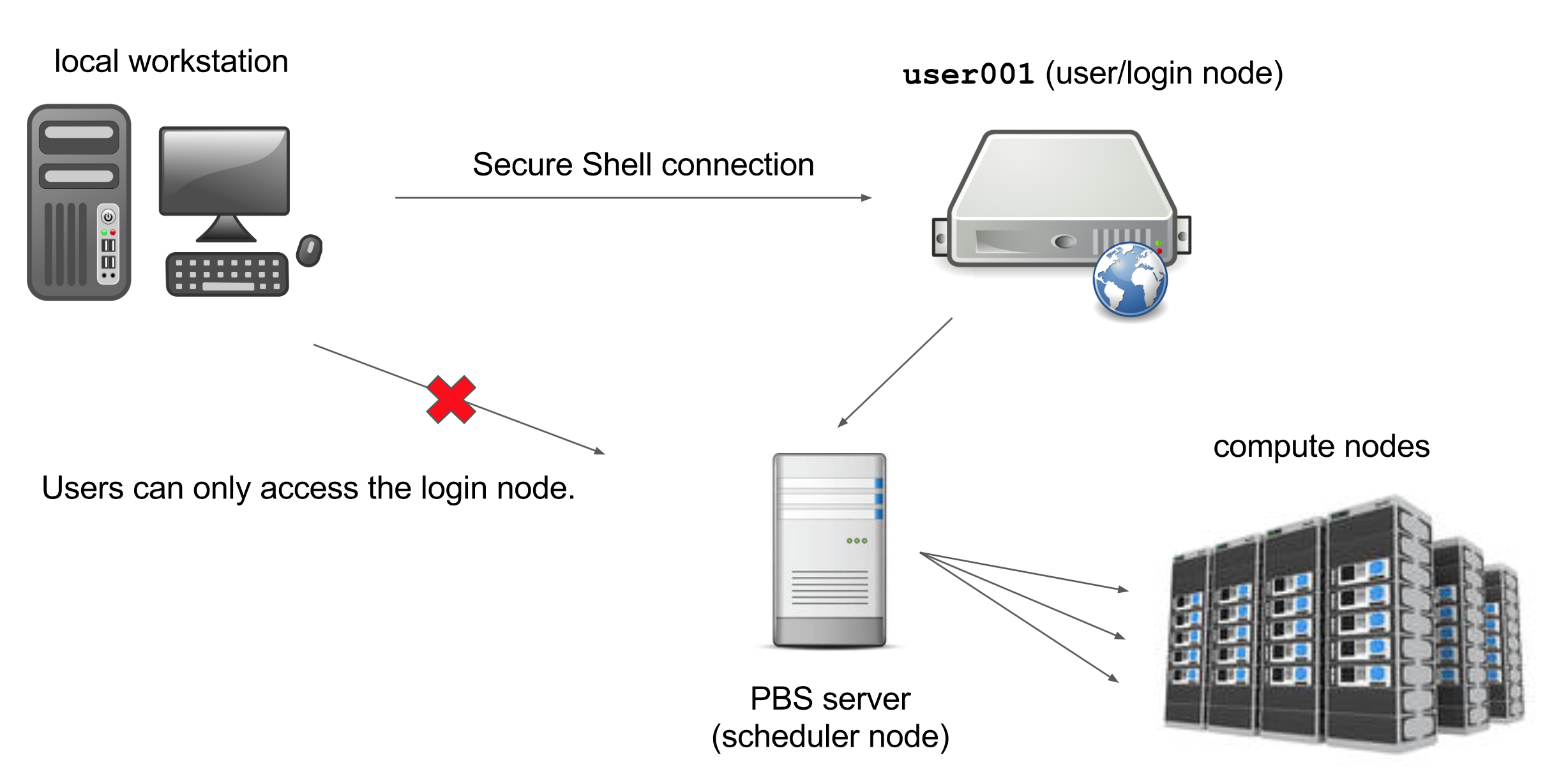
The Palmetto cluster has several “compute” nodes that can perform fast calculations on large amounts of data. It also has a few so-called “service” nodes, that are not meant for this purpose. Instead, they are meant to help users perform other actions such as transfering code and data to and from the cluster.
Key Points