Method 1: Using PCs
The simplest way is to have R and R Studio installed into your local machines (Windows/Linux or MacOS).
Method 2: Using SMU HPC ManeFrame 3 (Recommended)
Using this method, you need to have an M3 account.
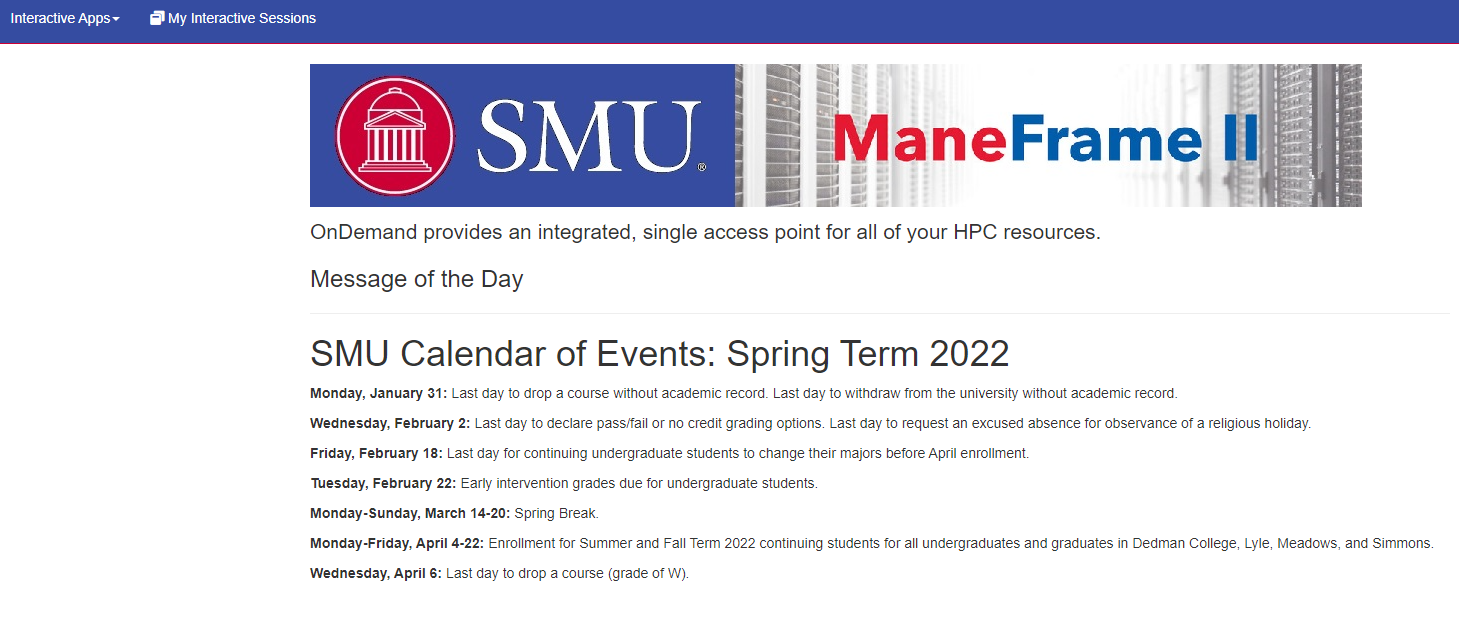
Step 1: Login to SMU Open OnDemand via web browser:
hpc.smu.edu
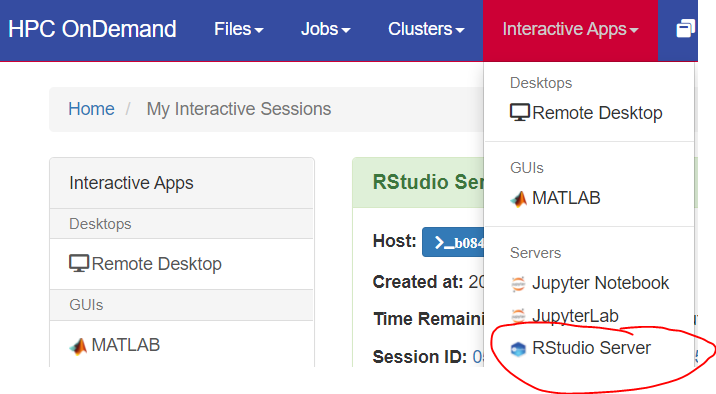
Step 2: Request RStudio Server from Interactive Apps:
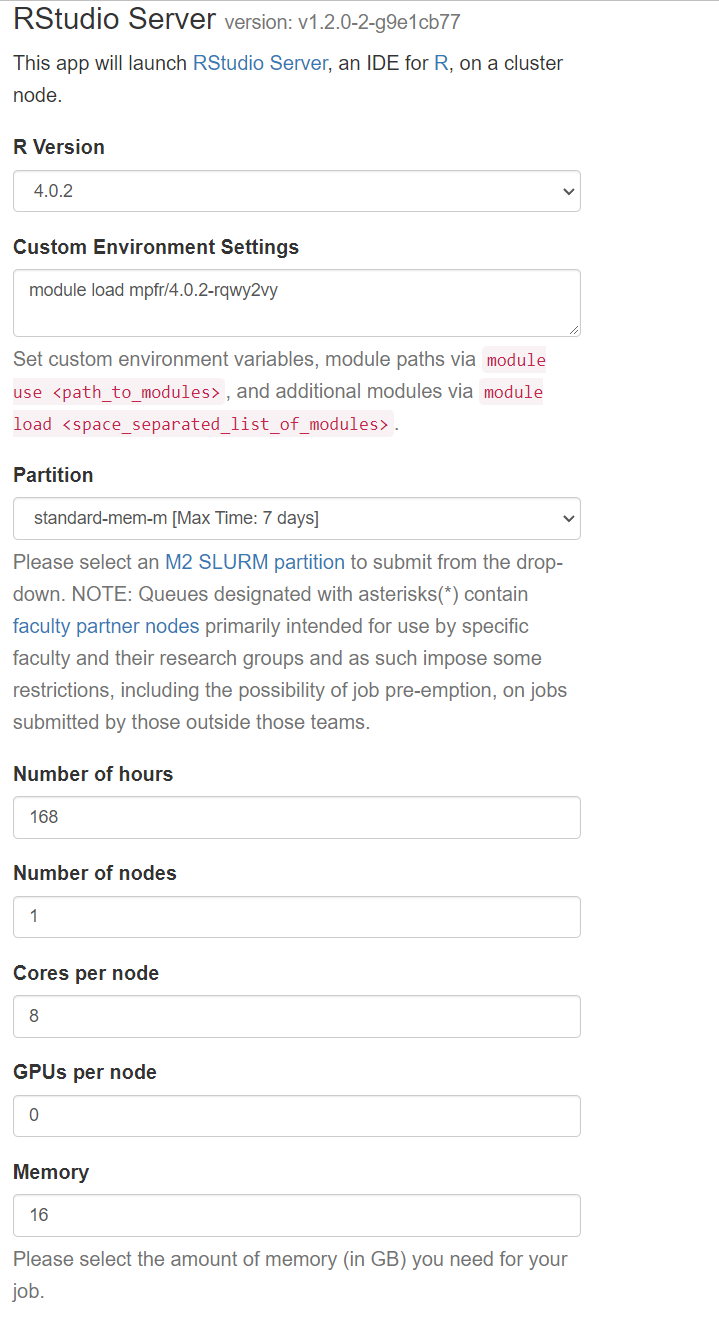
Step 3: Fill in the following information and hit Launch:
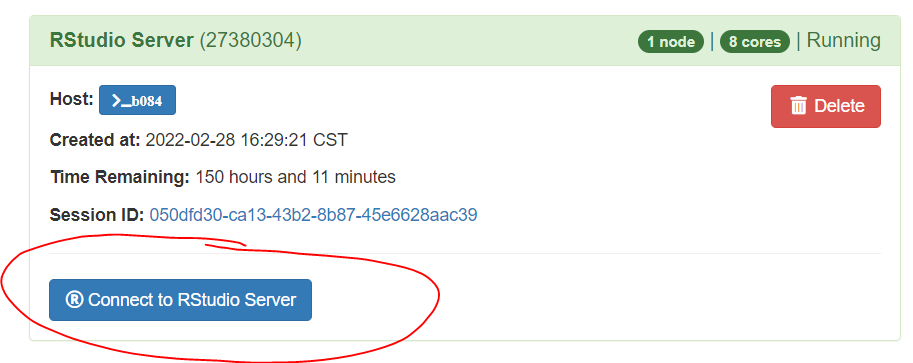
Step 4: Connect to RStudio when it is ready: